.svg)
The TransConnect Assistant appears in the bottom-right corner of the page, but it only loads once you've accepted cookies. If you've declined or not yet set your cookie preferences, the Assistant stays hidden.
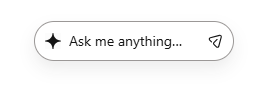
To enable it, adjust your cookie consent:
- Click the cookie settings icon in the bottom-left corner of any page.

- Update your consent to allow all cookies.
- Save your preferences — the Assistant should then appear in the bottom-right corner.